

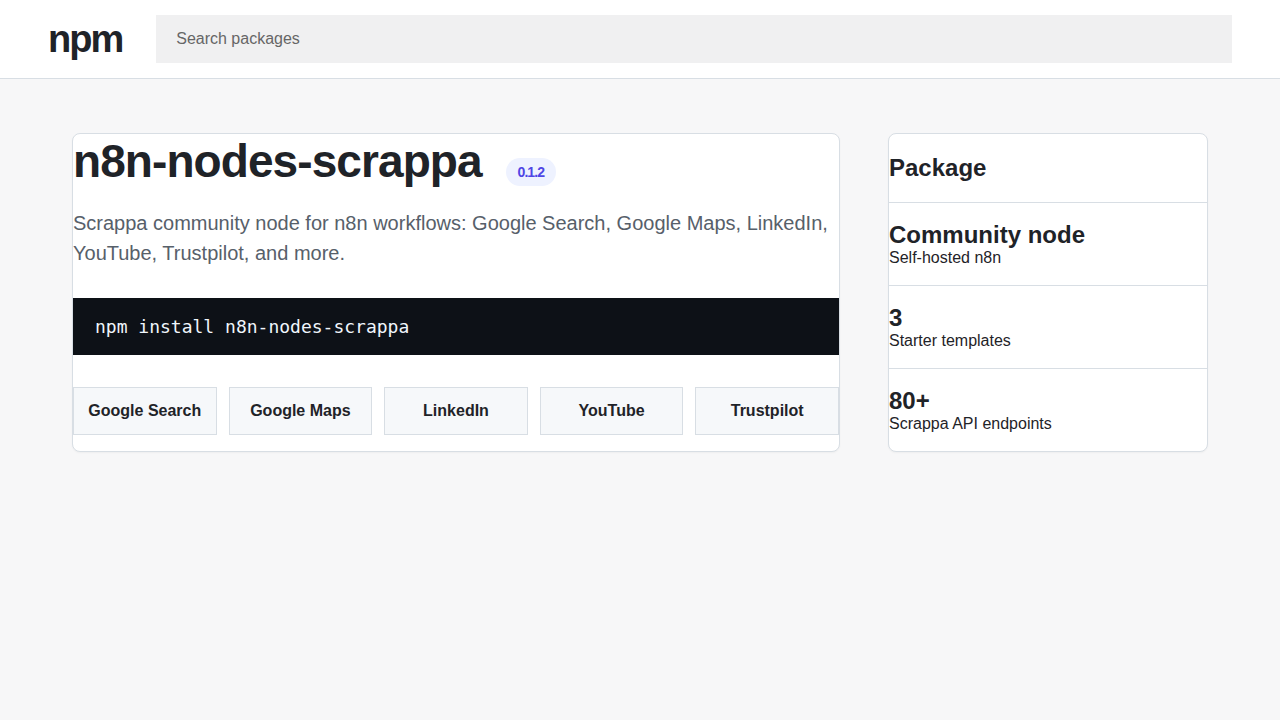
Works on self-hosted now, n8n Cloud after verification. The community node package is n8n-nodes-scrappa.
Package
npm
n8n-nodes-scrappa
Source
GitHub
Node source and templates
Auth
Scrappa API key
Create a free key for n8n credentials
No-code alternative
Scrappa for Make
Use Make.com scenarios for Scrappa lead, SERP, and review workflows.
Install the community node
In a self-hosted n8n instance, open Settings, then Community nodes, then install this package:
n8n-nodes-scrappaFor Docker or npm-managed self-hosted installs, install the same package in the n8n environment and restart n8n if your setup does not reload community nodes automatically.
Credential setup
- Create or open your Scrappa account and copy the API key from the dashboard.
- In n8n, create a new Scrappa API credential.
- Paste the Scrappa API key into the credential field and save it.
- Select that credential on each Scrappa node in your workflow.
The node sends your key as the Scrappa API credential, so workflow steps do not need manual header configuration.
Already have a Scrappa account? Open API Keys.
Screenshots
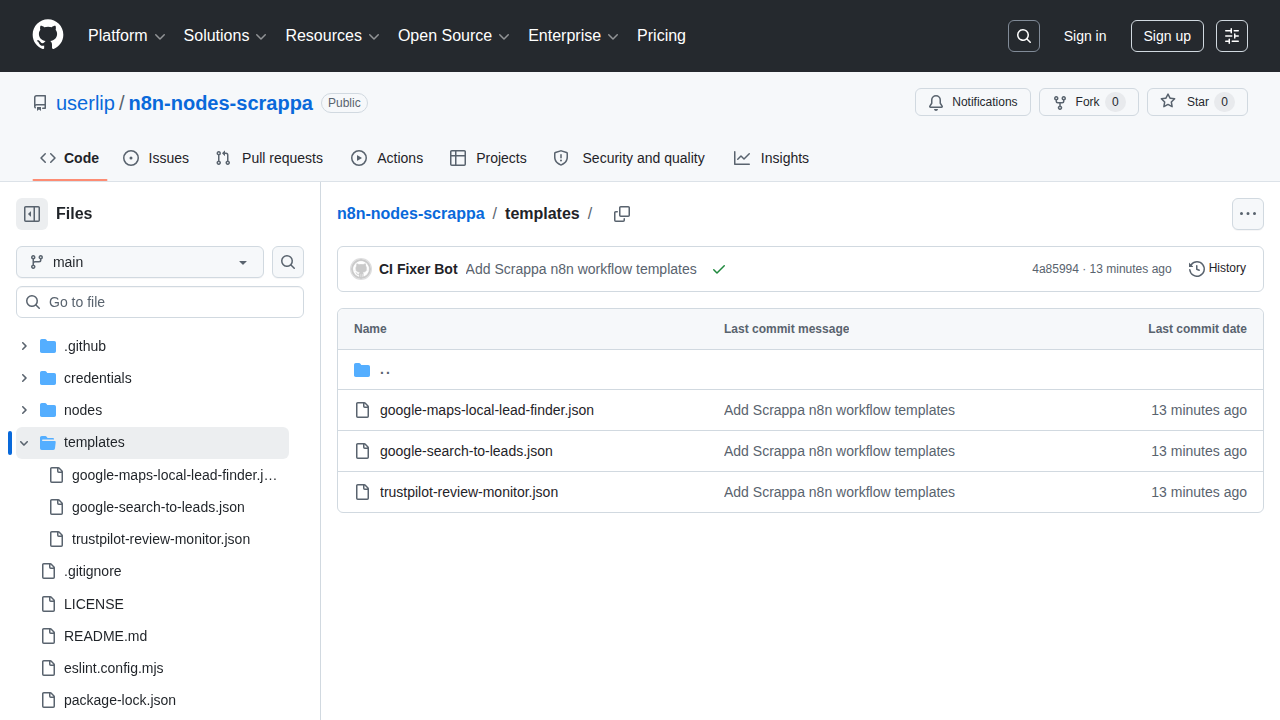
3 starter workflows
Import these JSON files into n8n, connect your Scrappa API credential, then adjust the query or domain fields for your use case.
Google Search lead prospects
Search Google for a target query, then normalize organic results into prospect rows.
Google Maps local lead finder
Find local businesses from Google Maps and extract names, websites, phones, ratings, and addresses.
Trustpilot review monitor
Fetch low-rated Trustpilot reviews and normalize them into alert-ready records.
Copy-paste workflow
This workflow searches Google with Scrappa and normalizes the first results into lead prospect records. In n8n, import it from clipboard, then replace the placeholder credential with your Scrappa API credential.
{
  "name": "Scrappa: turn Google Search results into lead prospects",
  "nodes": [
    {
      "parameters": {},
      "id": "8d2c7670-7b38-4db1-a11f-1b742b6b5c32",
      "name": "Run manually",
      "type": "n8n-nodes-base.manualTrigger",
      "typeVersion": 1,
      "position": [0, 0]
    },
    {
      "parameters": {
        "resource": "googleSearch",
        "operation": "googleSearch",
        "query": "best crm consultants new york",
        "country": "us",
        "language": "en",
        "pageZeroBased": 0,
        "limit": 10,
        "additionalQueryParameters": "{}"
      },
      "id": "0707189d-8e2d-4dd7-b4fd-1cc0c7a1cc2e",
      "name": "Search Google with Scrappa",
      "type": "n8n-nodes-scrappa.scrappa",
      "typeVersion": 1,
      "position": [260, 0],
      "credentials": {
        "scrappaApi": {
          "id": "SCRAPPA_API_CREDENTIAL_ID",
          "name": "Scrappa API"
        }
      }
    },
    {
      "parameters": {
        "jsCode": "const response = $json;\nconst candidates = response.organic_results || response.results || response.data || [];\nreturn candidates.slice(0, 10).map((result, index) => ({\n  json: {\n    rank: index + 1,\n    title: result.title || result.name || '',\n    url: result.link || result.url || '',\n    snippet: result.snippet || result.description || '',\n    sourceQuery: 'best crm consultants new york',\n  },\n}));"
      },
      "id": "7f2a996c-381f-4771-910c-600f41c7207b",
      "name": "Normalize prospects",
      "type": "n8n-nodes-base.code",
      "typeVersion": 2,
      "position": [520, 0]
    }
  ],
  "connections": {
    "Run manually": {
      "main": [
        [
          {
            "node": "Search Google with Scrappa",
            "type": "main",
            "index": 0
          }
        ]
      ]
    },
    "Search Google with Scrappa": {
      "main": [
        [
          {
            "node": "Normalize prospects",
            "type": "main",
            "index": 0
          }
        ]
      ]
    }
  },
  "pinData": {},
  "settings": {
    "executionOrder": "v1"
  },
  "staticData": null,
  "tags": []
}